

The Branch Appointment Booking System (BABS) is associated with South Africa’s Department of Home Affairs and was developed to help clients arrange appointments before visiting participating Home Affairs branches. For people searching for babs online booking, the most important update for 2026 is that the original BABS website has moved. The official services.dha.gov.za page now states that the Department of Home Affairs’ Branch Appointment Booking System is available through MyHomeAffairsOnline, where users can continue booking or managing appointments. (DHA Services)BABS is particularly relevant to South African citizens who need Home Affairs services such as identity-document and passport-related services. Instead of treating the old BABS website as the current booking destination, applicants should follow the official DHA platform and the instructions displayed there.This guide explains BABS online booking, eligibility, required information, appointment management, Home Affairs ID collection, login issues, and important steps to follow before visiting a branch.
What Is BABS?
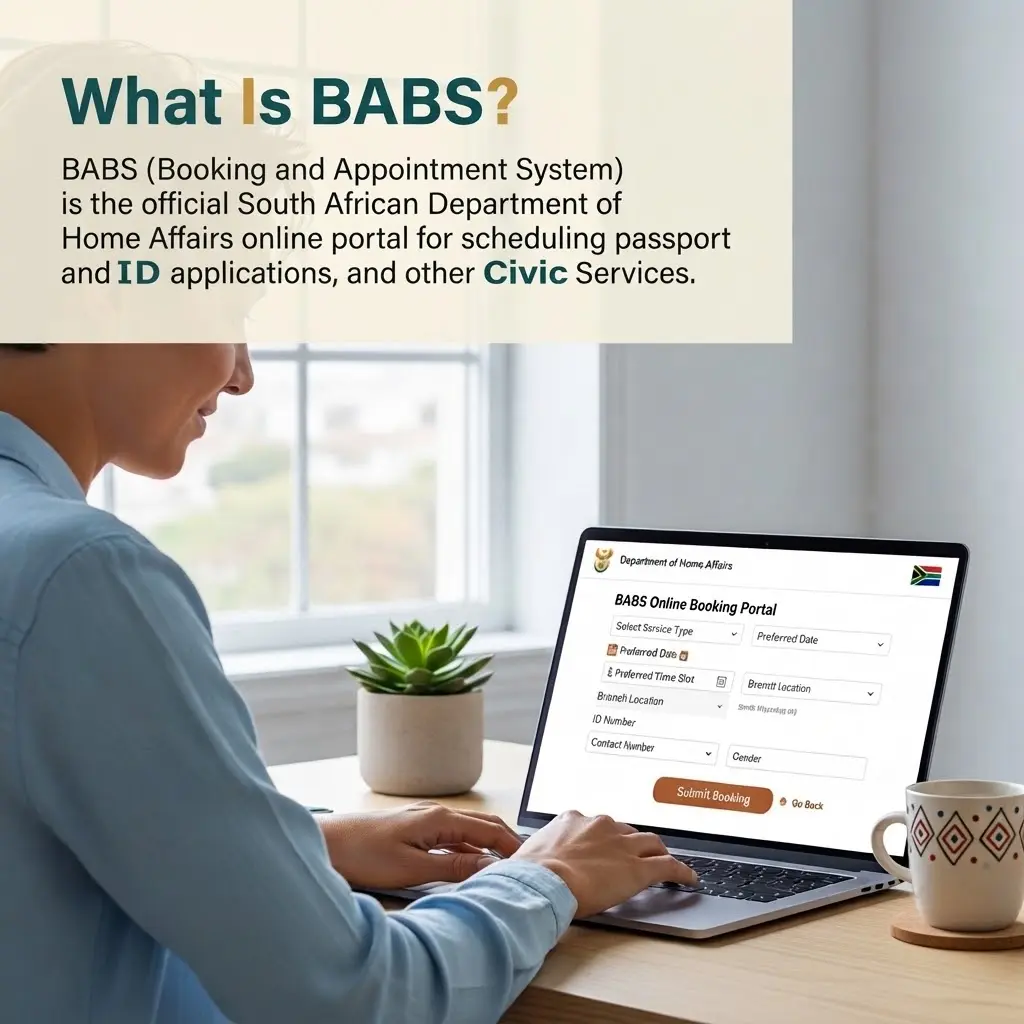
BABS stands for Branch Appointment Booking System. It is a Department of Home Affairs appointment system associated with the scheduling and management of visits to participating Home Affairs branches.The purpose of BABS is to help clients organise a branch visit for supported services rather than simply arriving without an appointment. Depending on the service and branch, an appointment process may allow a user to select an office, choose an available date and time, and manage an existing appointment.The system has historically been associated with services including Smart ID cards and passports at participating modernised Home Affairs offices.For anyone searching for babs, it is important to distinguish between the system itself and the website used to access it. The official BABS page is no longer the standalone booking destination. Instead, the Department of Home Affairs now directs users to its newer online platform.For more information visit my home page.
BABS Online Booking: What Has Changed in 2026?
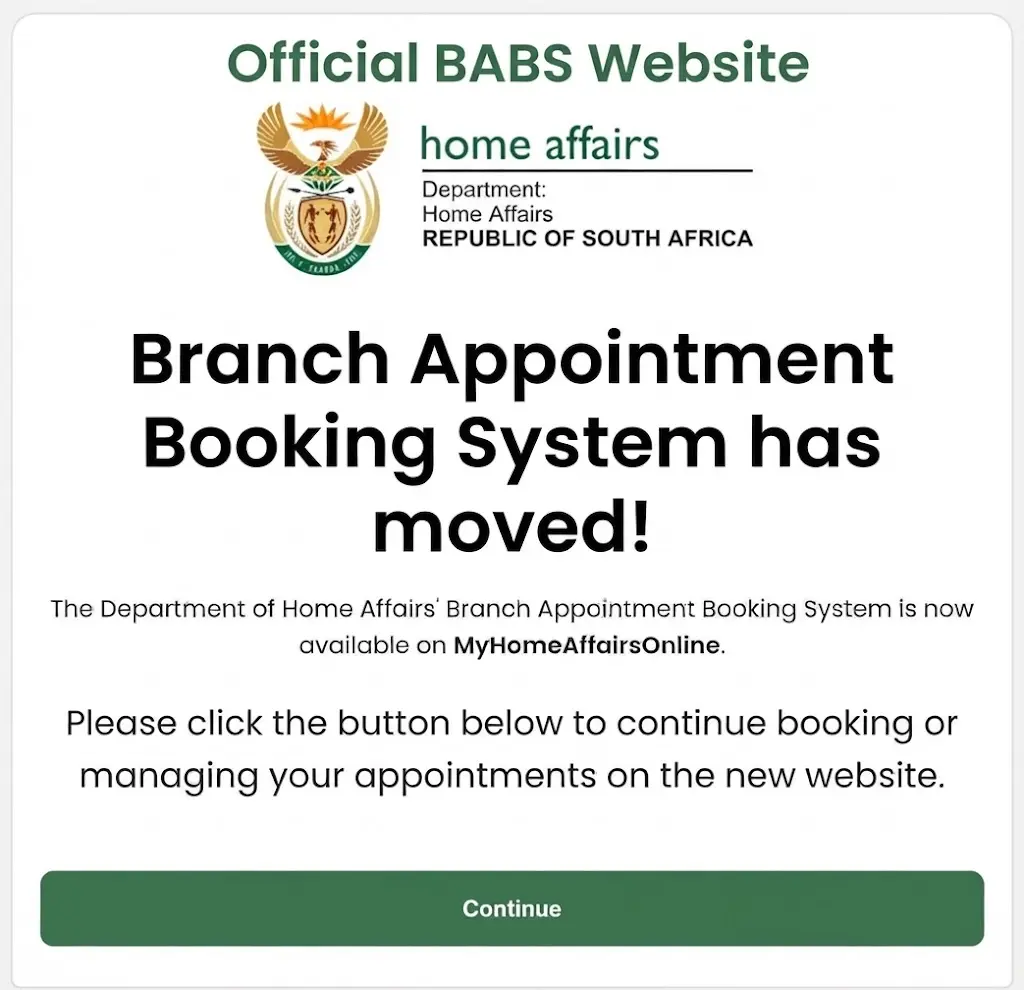
If you search Google for babs online booking, you may still find references to the old services.dha.gov.za address. However, the official website currently displays a clear notice:
“Branch Appointment Booking System has moved!”
The same official page states that the Department of Home Affairs’ BABS is now available through MyHomeAffairsOnline and instructs users to continue there for booking or managing appointments. (DHA Services)This means applicants should not assume that the old BABS page is broken. The page is functioning as a transition point to the new platform.
Official BABS Website
The former official BABS address is:
When you open it, follow the Continue option to reach the current appointment service. (DHA Services)
Current MyHomeAffairsOnline Platform
The official BABS page identifies MyHomeAffairsOnline as the current destination for booking and managing appointments. (DHA Services)Users should always check the official DHA platform before entering personal information or making payments.
Who Can Use BABS?
Eligibility for a Home Affairs appointment depends on the service being requested, applicant circumstances, and participating branch.BABS should not be understood as a system covering every single Department of Home Affairs service. Appointment availability and requirements can differ depending on what you are applying for.
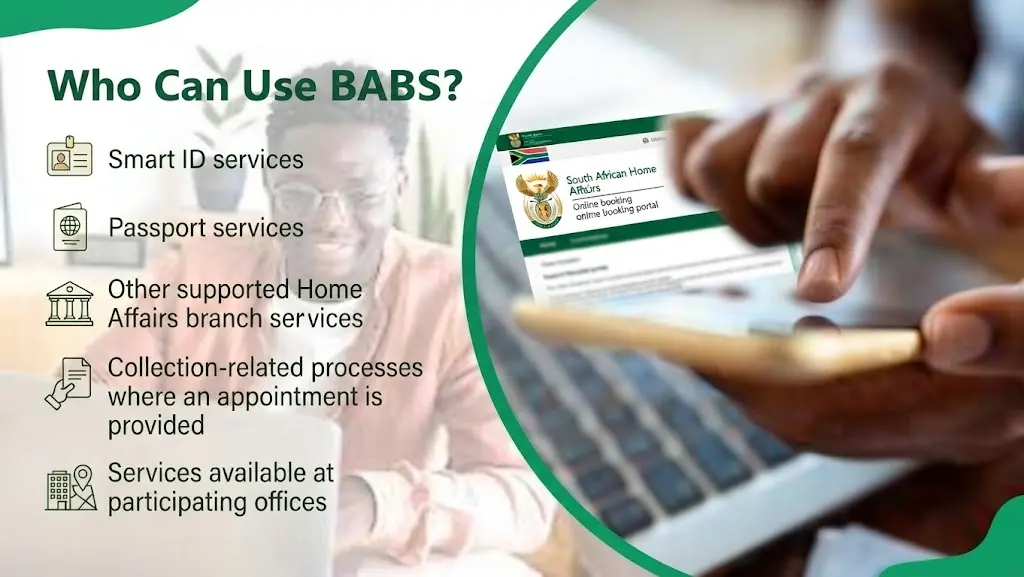
For example, people may encounter appointment processes connected with:
Before booking, read the instructions shown on the official platform carefully.
If the service you need does not appear, do not select an unrelated appointment simply because it has an available time. Instead, check the Department of Home Affairs website for the correct process.
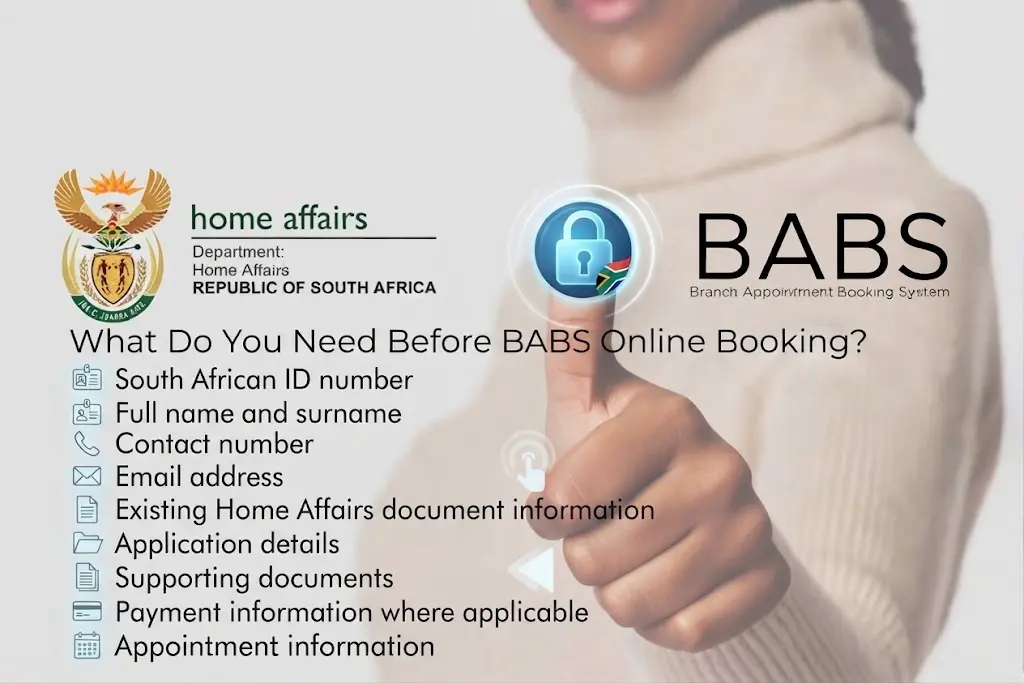
What Do You Need Before BABS Online Booking?
Before starting babs online booking, prepare the information you may need for your particular Home Affairs service.
Common information can include:
Keeping your cellphone available is also useful because online government services may use verification processes.
Check Your Personal Details
Before confirming an appointment, carefully check your personal details. A mistake in an ID number, name, cellphone number, or appointment information can create problems later.Your information should match your official documents.
How to Do BABS Online Booking Step by Step
The following process explains the general route users should follow in 2026.
Step 1: Open the Official BABS Website
Start from the official Department of Home Affairs BABS page:services.dha.gov.za — Official BABS PageThe page currently informs visitors that BABS has moved to MyHomeAffairsOnline. (DHA Services)Avoid using websites that imitate the Home Affairs booking service.
Step 2: Continue to the New Booking Platform
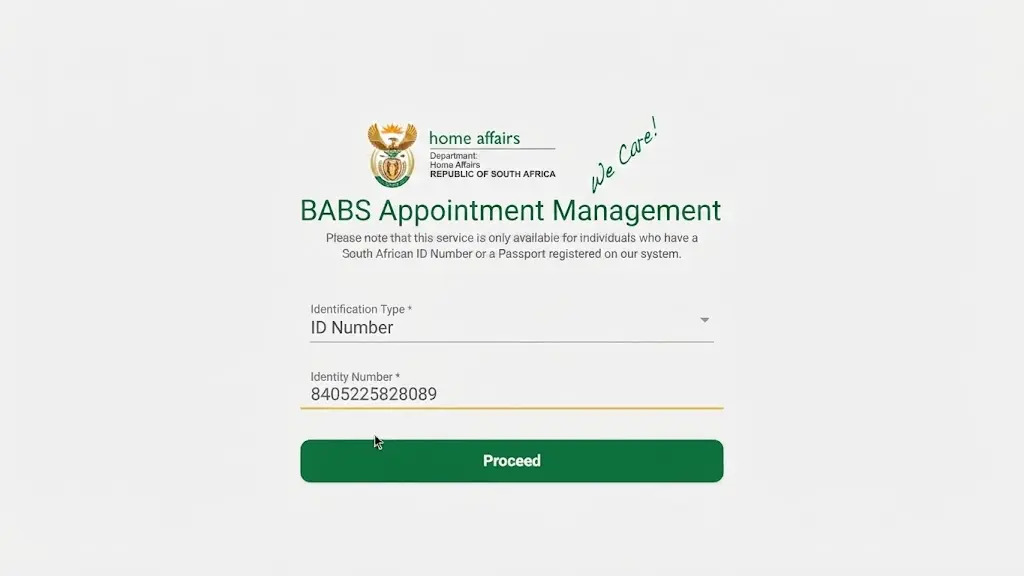
On the old BABS page, select the Continue option.The official page directs users to MyHomeAffairsOnline for continuing with appointment booking or management. (DHA Services)This is the most important step for people who previously used the old BABS website.
Step 3: Sign In or Create Your Profile
Follow the instructions displayed on the current DHA platform.If you already have an account, enter the requested login details.If you are a new user, follow the registration process provided by the official system.Do not share your password or OTP with another person claiming to be able to obtain an appointment for you.
Step 4: Select Your Home Affairs Service
After accessing the platform, identify the service you need.Read the service description before continuing because different Home Affairs services can have different requirements.If you are applying for an identity document or passport, make sure you select the relevant option instead of choosing a random branch appointment.
Step 5: Enter Your Information
Complete the requested information carefully.
Check your:
Take your time at this stage. Correct information can help prevent avoidable problems during the appointment process.
Step 6: Select a Branch
Where appointment selection is available, choose an appropriate participating Home Affairs branch.Consider the distance from your home or workplace before confirming.Do not choose a branch simply because it has the earliest appointment if travelling there would be difficult.
Step 7: Select an Available Date and Time
The appointment system will display available options according to the service and branch.Choose a date and time that you can realistically attend.Appointment availability can change, so an appointment that is unavailable today may become available later.
Step 8: Confirm the Appointment
Review everything before final confirmation.
Check:
Once everything is correct, complete the booking according to the instructions displayed by the official system.
Save the confirmation information.
BABS Online Booking Home Affairs Collection of ID
One of the searches people make is “babs online booking home affairs collection of id.” This reflects an important distinction between applying for an ID and collecting an ID.An online appointment system does not necessarily mean that every Home Affairs service follows exactly the same procedure.If you are collecting an identity document, first confirm that your document is ready for collection and check the instructions provided by Home Affairs. If the current platform provides an appointment option for the collection process, follow that specific procedure.Do not assume that an appointment for a new ID application automatically applies to ID collection.
Before Going for ID Collection
Take the required documents and information specified by Home Affairs for your particular collection.It is also sensible to keep your appointment confirmation accessible.Check the branch and time again before travelling because using the wrong branch can result in an unnecessary trip.
BABS Appointment Management
One useful purpose of the Branch Appointment Booking System is appointment management.Depending on the service and current platform, users may be able to manage an existing appointment rather than creating a completely new booking.The official BABS page specifically states that the new platform can be used for booking or managing appointments. (DHA Services)If your appointment needs to be changed, log in to the official platform and look for the relevant appointment-management option.
Possible actions can include:
The exact options shown to you can depend on the current service and system.
What If No BABS Appointment Is Available?
Not finding a suitable appointment does not necessarily mean that the BABS system is unavailable.
Try the following:
Check Another Date
Your preferred date may be fully booked while another date has availability.
Check Another Branch
If the service is available at multiple participating offices, another branch may have different appointment availability.
Check Again Later
Appointment availability can change as bookings are created, changed, or cancelled.
Verify the Service
Make sure you selected the correct Home Affairs service.
Use Official Information
If you experience a technical problem, check the Department of Home Affairs website rather than relying on social-media posts or unofficial appointment agents.
BABS Login Problems and Common Errors
Users searching for babs online booking may sometimes encounter problems accessing the service.
Common issues include:
If the problem is related to the old BABS address, remember that the official page now directs users to the new MyHomeAffairsOnline platform. (DHA Services)
Basic Troubleshooting
Try these steps:
Never provide your password or OTP to an unofficial third party.
BABS Benefits, Documents, ID Collection & Appointment Management
Benefits of Using BABS Online Booking
The BABS online booking process is designed to help Home Affairs clients organise a branch visit in advance for supported services. Instead of treating a branch visit as an entirely walk-in process, an appointment can provide a scheduled time for the service you need.
1. Plan Your Home Affairs Visit
One of the main advantages of BABS is that it gives applicants a way to plan their visit around an available appointment. This can make it easier to organise transport, documents, work schedules, and other commitments.
2. Choose an Available Appointment
Where the service is supported, users can view available appointment dates and times and select an option that suits them.Availability depends on the branch and service, so not every Home Affairs office will necessarily display the same options.
3. Manage an Existing Appointment
The official BABS page explains that the service has moved to MyHomeAffairsOnline for booking or managing appointments.This is useful if you need to check an existing booking or use an available management option provided by the system.
4. Prepare Before Visiting Home Affairs
Having an appointment gives you an opportunity to prepare the documents and information required for your specific service before travelling to the branch.This is particularly useful for ID and passport-related applications where applicants may need to complete several steps.
BABS Eligibility for Home Affairs Services
Eligibility depends on the particular service you want to access.The Branch Appointment Booking System (BABS) has historically been associated with services such as Smart ID and passport applications at participating modernised Home Affairs offices.However, you should not assume that every Home Affairs service can be booked through BABS.Before making a booking, check the service options available on the official platform.For online Home Affairs services, applicants may also need to meet specific requirements depending on the service and their citizenship or document status.
Who Should Check BABS?
BABS may be relevant if you are:
The exact requirements can change, so always follow the instructions displayed by the official Department of Home Affairs platform.
Documents to Prepare for BABS
Before starting babs online booking, prepare the documents and information required for your particular application.The exact documents depend on the service.
For an ID-related service, you may need information such as:
For passport-related services, additional documentation may apply.Do not rely on a generic document checklist if the official DHA platform provides different instructions for your specific application.
Check Your Documents Before the Appointment
Before leaving for Home Affairs, check:
Keeping your documents organised can make your visit easier.
BABS Online Booking for Smart ID
The Smart ID is one of the services historically associated with the Branch Appointment Booking System.If you need a Smart ID-related service, begin with the official DHA online platform and check which service is available for your circumstances.
General Process
The process can involve:
Some applications require the applicant to visit a Home Affairs branch for biometric capture or verification.Therefore, completing an online application does not necessarily mean the entire process can be completed online.
BABS Online Booking for Passport Services
BABS has also been associated with passport appointments at participating Home Affairs offices.If you need a passport, start with the official Department of Home Affairs online service rather than using an unofficial appointment website.
The general process can include:
The exact process depends on the current DHA system and your individual circumstances.
BABS Online Booking Home Affairs Collection of ID
The phrase “babs online booking home affairs collection of id” is commonly associated with people trying to understand whether an appointment is required to collect an identity document.The important point is that ID application and ID collection are not necessarily the same process.If you have already applied for an ID, first confirm whether your document is ready for collection.Then check the official DHA platform for the current instructions applicable to your collection.
Before Collecting Your ID
Make sure you know:
Do not book an application appointment when you actually need to collect an already-issued document.
How to Check Your BABS Appointment
If you have already completed BABS online booking, keep your appointment information available.When checking your appointment, verify:
Branch: Make sure the selected Home Affairs office is correct.
Date: Confirm the day of your appointment.
Time: Check the scheduled time carefully.
Service: Make sure the appointment corresponds to the service you need.
Applicant details: Check that the booking belongs to the correct applicant.
If the system provides an appointment-management feature, use the official platform to make permitted changes.
How to Change a BABS Appointment
If you cannot attend your original appointment, check whether the current system allows you to change it.
A typical appointment-management process may involve:
Step 1
Log in to the official Home Affairs platform.
Step 2
Open your existing appointment or booking information.
Step 3
Look for the available change, edit, or similar appointment option.
Step 4
Select another available date or time if the system allows it.
Step 5
Review the new appointment information.
Step 6
Confirm the change.The exact buttons and options may change as DHA updates its online platform.The safest approach is to follow the instructions shown on the official system rather than relying on an old BABS tutorial.
How to Cancel a BABS Appointment
If you no longer need an appointment, check whether the current platform provides a cancellation option.
Generally, the process involves:
Cancelling an appointment you no longer need can help prevent you from travelling unnecessarily and may make the slot available for another applicant.
What to Do If BABS Has No Available Slots
A common problem with babs online booking is finding that your preferred date or branch has no available appointment.
If this happens, try the following:
Try Another Date
Look beyond your preferred day. Availability can vary from one date to another.
Try Another Branch
If another participating Home Affairs office provides the same service, check its availability.
Check Again
Appointments can change when people cancel or reschedule.
Confirm Your Service
Make sure you are searching for the correct appointment type.
Avoid Unofficial Agents
Be careful if someone claims they can sell you a BABS appointment.
Do not provide your Home Affairs password, OTP, banking information, or identity details to an unknown person simply because they promise a faster appointment.
BABS Fees and Payments
BABS appointment booking should not be confused with the fees charged for the underlying Home Affairs service.
For example, an applicant may need to pay an applicable fee for an ID or passport service even though the appointment process itself is simply the mechanism for scheduling a branch visit.Always check the official DHA platform for the current fee applicable to your particular service.Do not rely on social-media posts or unofficial websites for current government fees.If payment is required, use the payment method provided by the official DHA system.
Why You May Still Need to Visit Home Affairs
A major advantage of online services is that some parts of the process can be completed digitally.However, online completion does not necessarily eliminate the need for a physical branch visit.
Certain applications require:
The official eHomeAffairs service explains that applicants may still need to visit a branch for biometric capture and/or verification.Therefore, think of BABS online booking as a way of organising the required branch visit—not necessarily as a replacement for visiting Home Affairs.
BABS vs BAB: Are They the Same?
People searching for babs may sometimes type bab instead.Although the terms look similar, BABS in this context refers to the Branch Appointment Booking System associated with South Africa’s Department of Home Affairs.BAB by itself is not the full name of the Home Affairs appointment system.This distinction is useful when searching online because unrelated websites and topics may appear for the shorter term.
What Is Bab Al Mandab Strait?
Another unrelated search term is Bab al Mandab Strait.The Bab al Mandab Strait is a geographic waterway between the Horn of Africa and the Arabian Peninsula. It has no connection with South Africa’s Department of Home Affairs or the BABS online booking system.This distinction matters because search engines can interpret short keywords such as BAB in multiple ways.For Home Affairs appointments, the relevant term is:
BABS — Branch Appointment Booking System
For geography, Bab al Mandab Strait refers to a completely different subject.
BABS Safety and Privacy Tips
When using an online government service, protecting your personal information is important.
Use the Official Website
Start with:
The official page currently directs users to the new platform because BABS has moved.
Protect Your Login Details
Never share your:
with an unofficial appointment agent.
Check the Website Address
Before entering personal information, make sure you are using an official DHA website.
Do Not Pay for Fake Appointments
If someone contacts you through WhatsApp, Facebook, Telegram, or another platform claiming they can guarantee a BABS appointment, verify the information through DHA first.
What to Do Before Your Home Affairs Appointment
Use this simple checklist before travelling:
Taking a few minutes to verify these details can help prevent avoidable problems.
Official Home Affairs Links
For BABS online booking, always prioritise official Department of Home Affairs resources.
BABS Official Page
The page currently explains that the Branch Appointment Booking System has moved and directs users to the current platform.
DHA eHomeAffairs
This is the Department of Home Affairs online service platform for supported services.
Department of Home Affairs
Department of Home Affairs South Africa
Use the main DHA website for official announcements, service information, contact details, and other Home Affairs guidance.
BABS Login and Booking Problems
If you are having difficulty with BABS online booking, first check whether you are accessing the current Department of Home Affairs platform. The old BABS page at services.dha.gov.za now informs users that the Branch Appointment Booking System has moved and directs them to the current online service.
Common problems can include:
Check Your Internet Connection
A weak or unstable internet connection can prevent pages from loading correctly. Try reconnecting to your network and opening the official DHA platform again.
Check Your Login Information
If the system requires you to log in, carefully check your ID number, password, and any other requested information.Avoid repeatedly entering incorrect information if the platform temporarily restricts access.
Use Password Recovery
If you have forgotten your password, use the official password-reset or account-recovery option provided by the DHA platform instead of creating an unofficial workaround.
Try a Different Browser
If the website does not load correctly, try an updated browser such as Chrome, Edge, Firefox, or Safari.
You can also try:
What If You Cannot Find a BABS Appointment?
Not finding an appointment does not necessarily mean that BABS is unavailable.Appointment availability can depend on the selected service, branch, date, and available capacity.
If your preferred appointment is unavailable, consider:
Avoid paying an unofficial third party simply because they claim to have access to appointments.
The safest way to complete babs online booking is through the official DHA process.
Can You Book BABS for Someone Else?
The answer depends on the service and the way the current DHA system handles the application.If you are helping a family member or another applicant, make sure the booking is created using the correct applicant’s information.Do not enter your own ID number when the appointment is intended for someone else.Before confirming a booking, check the applicant’s:
An incorrect applicant profile can cause problems when the person arrives at Home Affairs.
BABS Appointment Confirmation
After completing BABS online booking, keep your appointment information somewhere accessible.You can save the confirmation digitally or record the important details.Your checklist should include:
Applicant: Correct person’s name and ID information.
Service: The correct Home Affairs service.
Branch: The correct office.
Date: The scheduled appointment date.
Time: The scheduled appointment time.
If the system provides a confirmation page, email, reference number, or other booking information, keep it until the appointment has been completed.
What Happens at the Home Affairs Branch?
Your exact experience depends on the service you booked.In general, you should arrive at the correct branch with the documents required for your application.
A Home Affairs visit may involve:
An online appointment does not guarantee that an application will automatically be approved. Home Affairs still needs to process the relevant application according to its requirements.
BABS and Home Affairs ID Collection
If your reason for visiting Home Affairs is ID collection, do not automatically use the same process as someone applying for a new ID.First determine whether your document is ready.Then follow the current DHA instructions for collection.If the system provides an appointment option for your collection service, select the correct collection-related service rather than an application service.
ID Collection Checklist
Before leaving home, confirm:
This is especially important for people searching for “babs online booking home affairs collection of id”, because ID application and collection can involve different procedures.
BABS for Passport Collection
The same principle applies to passport-related services.If you are collecting a passport rather than applying for one, check the instructions attached to your particular application.Do not assume that an application appointment automatically functions as a collection appointment.
Always verify:
BABS Contact and Support
If you cannot resolve a problem through the online system, contact the Department of Home Affairs through its official support channels.
The DHA eHomeAffairs contact information includes:
Home Affairs Contact Centre
Telephone: 0800 601 190
Email: [email protected]
For current contact information and service updates, use the official DHA website.
When contacting DHA, provide a clear explanation of the problem.
For example, explain whether you are experiencing:
Do not send unnecessary sensitive information by email.
How to Avoid BABS Scams
Government appointment services can attract unofficial agents who promise to obtain appointments for applicants.Be cautious when someone asks for money in exchange for a guaranteed BABS online booking.
Warning Signs
Be careful if someone:
Use the official DHA platform instead.
BABS vs Other Similar Search Terms
People sometimes search for short variations of BABS, which can produce unrelated results.
BABS
In this Home Affairs context, BABS means Branch Appointment Booking System.
BAB
BAB is not the full name of the South African Home Affairs appointment system. When looking for Home Affairs appointments, use the complete term BABS.
Bab Al Mandab Strait
The Bab al Mandab Strait is completely unrelated to Home Affairs. It is a geographical waterway between the Arabian Peninsula and the Horn of Africa.
Therefore, if your search is about South African Home Affairs appointments, use terms such as:
This helps distinguish your search from unrelated results about the Bab al Mandab Strait.
FAQ,s
Final Thoughts
The Branch Appointment Booking System (BABS) remains an important term for people searching for South African Home Affairs appointments, particularly those looking for babs online booking.However, the key change for 2026 is that the former standalone BABS page at services.dha.gov.za now tells users that the system has moved to MyHomeAffairsOnline. Therefore, applicants should use the official DHA pathway rather than relying on outdated BABS instructions or unofficial appointment websites.Whether you are applying for an ID, arranging a passport-related service, managing an appointment, or looking for information about Home Affairs collection of ID, always select the service that matches your actual requirement.For BABS online booking, the safest approach is simple: start from the official DHA website, follow the current booking instructions, keep your appointment details, prepare the required documents, and verify the branch before travelling.Remember that BABS, BAB, and Bab al Mandab Strait are different search terms. If your goal is a South African Home Affairs appointment, BABS online booking is the relevant term—not the unrelated geographical term Bab al Mandab Strait.For more information visit my home page.
READ MORE