


University of Pretoria students rely on a central online system to handle many of their academic and administrative tasks. Whether you need to register for modules, check academic information, manage fees, or access university learning materials, knowing where to sign in can save time.The up login process gives students access to the University’s online services, while clickUP provides the learning environment used for course content, assignments, assessments and communication. Although both platforms are connected to the student’s university account, they serve different purposes.This guide covers the up portal login, clickUP access, available student services, login requirements and common solutions when you cannot access your account.
What Is the UP Student Portal?
The University of Pretoria student portal is a central online platform where students can manage important parts of their university experience. Instead of handling every academic or administrative task separately, students can use the portal to reach several essential services from one account.Through the portal, students can manage registration, review academic information, access financial details and deal with residence-related services. It also provides access to applications, forms and document-related services.The up login page is therefore an important starting point for students who need to manage their university account online.

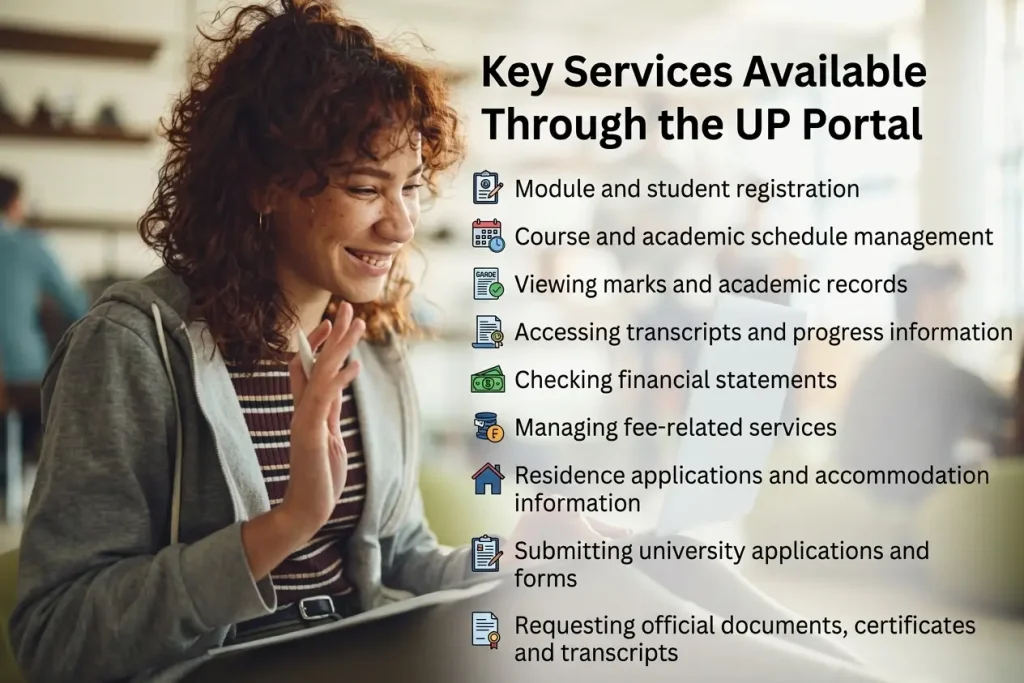
Key Services Available Through the UP Portal
Students can use the portal for a range of tasks, including:
The exact services available to an individual student may depend on their current status and the university systems connected to their account.
What Is clickUP?
clickUP is the University of Pretoria’s learning management system. It is built using Blackboard technology and is designed specifically around teaching and learning activities.While the student portal handles broader university services, clickUP focuses on your enrolled courses and learning materials. Students may use it to access lecture content, submit assignments, participate in discussions and complete online assessments.For students searching for up click up login information, it is useful to remember that clickUP is the learning platform, while the main UP portal covers wider student services.if you want to know about UIF LONGIN click here
What Can You Do on clickUP?
Depending on the courses you are enrolled in, clickUP can provide access to:
Your enrolled courses and available materials will appear within the learning platform once you have successfully signed in.
How to Complete the UP Portal Login
Getting into the student portal requires an active UP account and the correct login credentials. Before starting, make sure you have your university username and password available.
Accessing the UP Student Portal
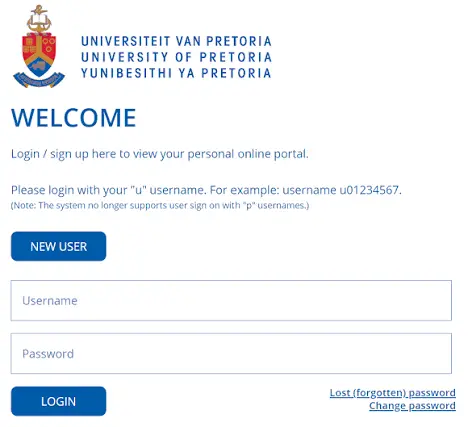
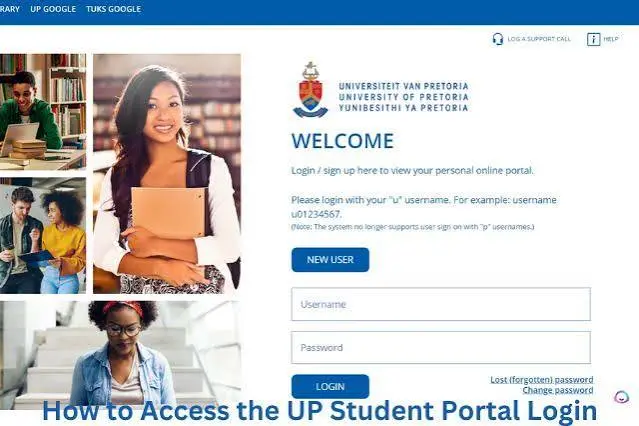
Start by visiting the official UP web portal at web.up.ac.za. Use your UP username and password when prompted.
After authentication, you can move through the available services and select the area you need. For example, you may access registration, academic information, financial services or other student-related functions.
If you are specifically looking for an up login portal, use the university’s official portal rather than entering your credentials into an unrelated website.
How to Access clickUP
To reach clickUP, visit clickup.up.ac.za and sign in using the same university credentials associated with your UP account.
Once authenticated, open your available courses to find learning materials, assignments and other course activities. If a course is missing, check whether you are properly enrolled before assuming that your account is not working.
What You Need Before Signing In
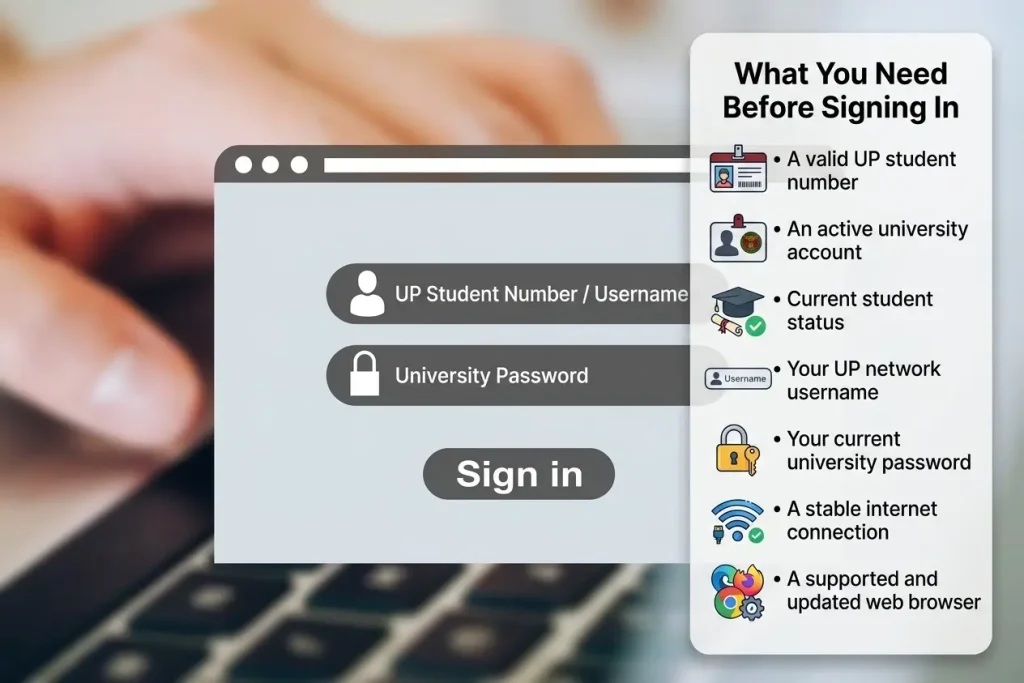
A smooth up login usually depends on having an active university account and reliable internet access.
Keep these requirements in mind:
Having the correct password is particularly important because the same university credentials are used across the main UP systems.
UP Portal Services Students Can Use
The portal is more than a simple sign-in page. It acts as a gateway to several areas that students may need throughout their studies.
Registration and Academic Management
Students can register for modules, review their academic schedule and manage course-related information. Registration is one of the key reasons students regularly access the portal.
Academic Records
Academic information can include marks, transcripts and progress reports. This allows students to keep track of their academic performance without relying solely on physical documents.
Financial Information
The financial section can be used to view account statements and access fee-related services. Students can also find information connected with financial aid where applicable.
Residence Services
Students can use available residence functions for accommodation-related matters, including residence applications and room assignment information.
Applications and Documents
The portal can also support different university applications and forms. Document services may allow students to request items such as transcripts, certificates and other official records.
Common UP Login Problems and Solutions
Sometimes the up login process may fail even when the portal itself is available. Most access problems are related to credentials, account status, browser settings or scheduled maintenance.
Forgotten or Incorrect Password
If your password is not being accepted, use the available password-reset option or contact UP IT services. Remember that your UP password is used across the university’s connected systems.
Avoid repeatedly entering an incorrect password because this may result in your account becoming locked.
Locked Account
An account that has been locked may require assistance from university IT support. The provided support number is 012 420 3000, and students can also visit an IT help desk on campus for account-related assistance.
Portal Maintenance
Online services can occasionally become unavailable because of planned system maintenance. If the website does not load or a service temporarily stops working, check the University of Pretoria website for relevant announcements before repeatedly attempting to sign in.
Best Browsers for UP Online Services
Browser compatibility can affect how university portals and learning systems operate. For the best experience, keep your browser updated.
Recommended options include:
If pages are not displaying correctly, clearing your browser’s cache and cookies can sometimes resolve the problem. You should also ensure that JavaScript and cookies are enabled.
Ad blockers may interfere with certain university websites, so disabling them for UP sites can help if a page or login feature does not behave normally.
UP Portal Login vs clickUP
Although students may use the same university credentials for both systems, their purposes are different.
| Platform | Main Purpose | Typical Uses |
|---|---|---|
| UP Student Portal | University administration | Registration, academic records, finances, residence and documents |
| clickUP | Online learning | Course materials, assignments, discussions, assessments and communication |
Understanding this distinction makes it easier to choose the right platform. If you need to manage registration or financial information, start with the student portal. If you need lecture materials or an assignment submission area, use clickUP.
What About “up login (man keyword)” Searches?
Students may use different phrases when searching for the same university service. Terms such as up login (man keyword), up portal login, and up login portal can refer to the process of reaching the University’s online systems.
Search wording does not change the actual sign-in process. Always rely on the official University of Pretoria platform and use your own university credentials.
The phrase betfred login my account sign up is unrelated to the University of Pretoria student systems. If you encounter this phrase while searching for UP services, do not use an unrelated third-party login page for your university account.
When to Contact UP IT Support
If you’ve checked your username, password, browser and internet connection but still cannot access your account, contacting IT support is the next practical step.
The provided UP IT Support Centre number is:
012 420 3000
The listed support hours are Monday to Friday, 07:30 to 16:00.
Students can also contact the support team by email at [email protected]. The provided information states that email responses may take approximately 24–48 hours.
Campus IT help desks are another option for students who need walk-in assistance.
Tips for a Smoother UP Account Experience
Before contacting support, try these basic checks:
Keeping your credentials secure is equally important. Never share your university password with another person or enter it into an unfamiliar website.
Frequently Asked Questions
Final Takeaway
The up login process gives University of Pretoria students a route into important online services, while clickUP handles the learning side of university life. Knowing which platform to use makes everyday tasks much easier.Use the UP portal for registration, academic records, financial information, residence services, applications and official documents. Use clickUP when you need course materials, assignments, discussions or online assessments.If access problems continue, check your credentials and browser settings first, then contact the UP IT Support Centre for assistance.
READ MORE