


This website is an independent informational guide created to help students safely find and access the official University of South Africa (UNISA) online systems. We do not perform an UNISA status check, process applications, or collect personal information from students.Our purpose is to explain how applicants can use the official UNISA platforms to check their application progress, understand status updates, and find the correct place to get assistance. Whether you want to view your UNISA application status, use the UNISA check status option, or learn how to track UNISA application status, this guide provides clear information without requesting your login details or personal documents.Always verify that you are using an official UNISA website before entering sensitive information. This helps students avoid fake websites, misleading services, and unofficial pages that may request personal or payment information.
What Is UNISA Status Check?
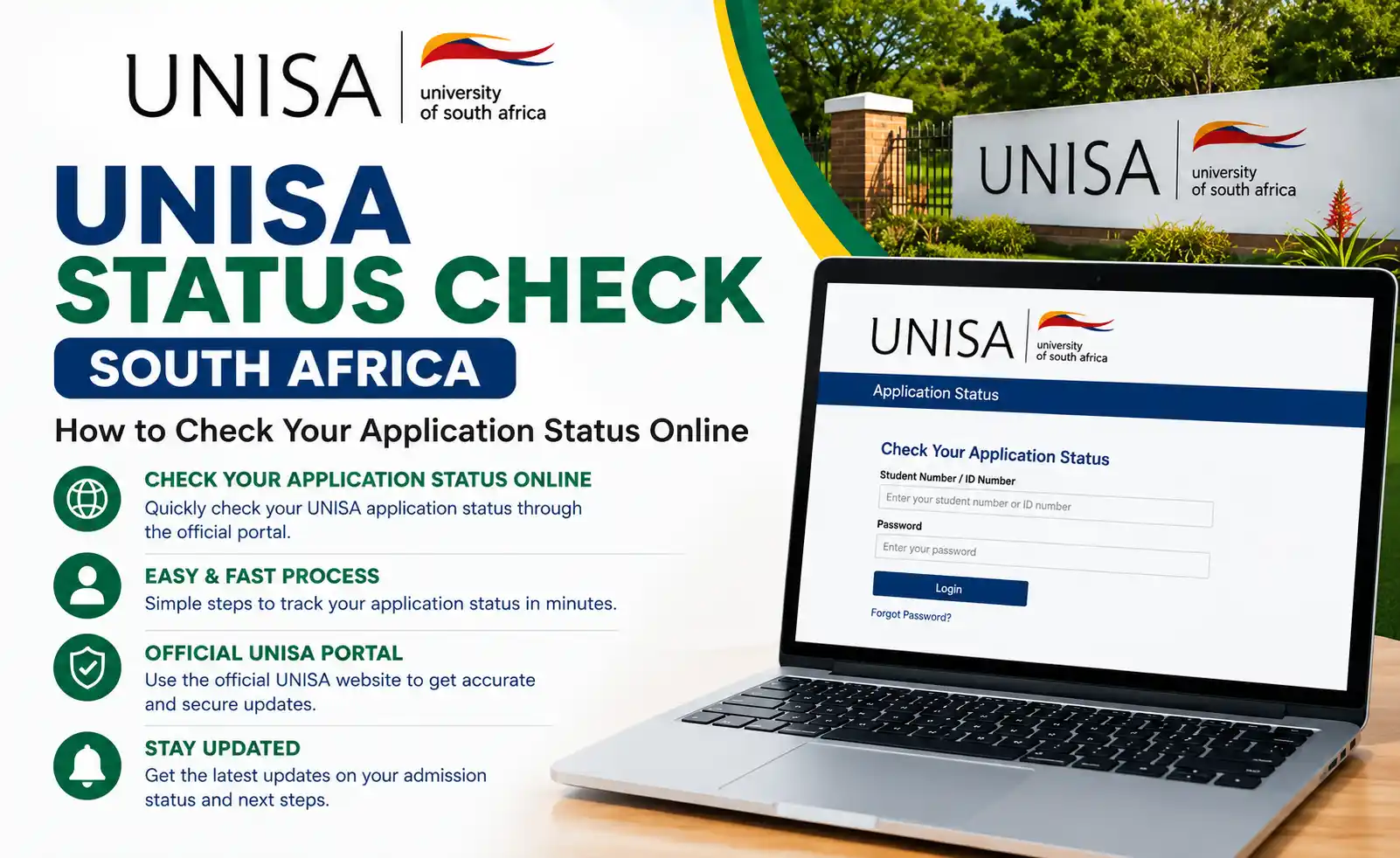
UNISA Status Check is the process of checking your University of South Africa (UNISA) application progress online through the official UNISA status system. Applicants can use it to see whether their application has been received, is being processed, requires additional documents, has been provisionally accepted, approved, or declined. Checking your UNISA application status regularly helps you stay informed about important updates and know what action to take next.
UNISA Tools & Calculators for 2026
Checking your UNISA status is only one part of the application journey. Students can also use free tools to estimate their APS score, plan their study workload, and get a general idea of potential tuition costs. These browser-based tools require no registration and are designed to help applicants plan their studies before applying or registering.for more details visit MY HOME PAGE: https://saservicesinfo.com
UNISA APS Calculator
Enter your Grade 12 subject marks to calculate your Admission Point Score (APS) and get an idea of which UNISA programmes may match your results. Life Orientation is excluded from the calculation.
UNISA Fees Estimator
The UNISA Fees Estimator provides a general estimate of tuition costs based on your planned modules and qualification level. It can help you prepare a study budget before registration.
UNISA Study Load Calculator
Use the Study Load Calculator to estimate how many modules or credits you can realistically manage according to your available weekly study time. This can help you avoid taking on an unrealistic workload.
Your Complete UNISA Application Journey
Understanding each stage of the application process can make it easier to know what action is required at every step.for more details visit MY HOME PAGE: https://saservicesinfo.com

1. Check Your APS Score
Before applying, use the UNISA APS Calculator to review your Admission Point Score and compare it with the requirements of your preferred qualification.
2. Apply Through myUNISA
Submit your application through the official myUNISA platform during the relevant application period and complete the required application fee payment.
3. Upload Supporting Documents
Provide the required documents, such as your identification document, matric certificate, and other academic records requested by UNISA. Follow the portal instructions carefully and submit documents within the required timeframe.
4. Track Your Application Status
After submitting your application, use the official UNISA Student Status Portal to monitor progress. A regular UNISA status check can help you identify updates or requests for additional information.
5. Accept Your Admission Offer
If your application is approved or accepted, follow UNISA Status Check instructions to accept the offer within the stated deadline. The supplied information states that first-time students may also need to complete the First-Year Experience MOOC before accepting.
6. Plan Your Module Load
Before registration, use the Study Load Calculator to determine a manageable number of modules based on your available study time.
7. Estimate Your Fees
Use the UNISA Fees Calculator to prepare an approximate budget for your planned studies and consider available financial assistance options.
8. Register and Begin Studying
Once accepted, complete your official registration within the applicable registration period. After registration, students can use myUNISA to access relevant study materials and other student resources.
Tips for a Successful UNISA Application
Official UNISA Student Status Portal
The supplied source identifies the official UNISA Status Check Student Status Portal as:
https://myadmin.unisa.ac.za/unisa-studentstatus/default.do
Applicants can use the portal to retrieve their application information by providing the requested personal details. Always verify that you are on an official unisa.ac.za domain before entering sensitive information.
How the Official UNISA Status Check Works
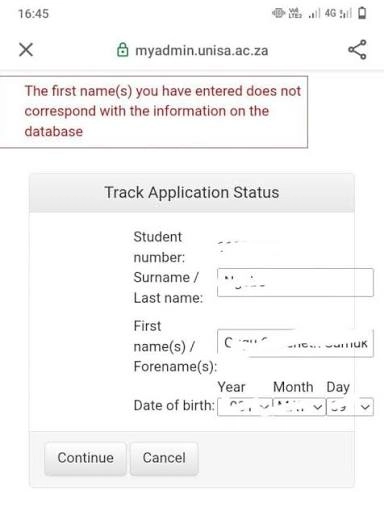
According to the supplied content, the official status portal asks applicants for details such as their student number, surname, full names, and date of birth to retrieve their application record. This allows applicants to review their current application information directly through the UNISA system.The supplied content also identifies myUNISA as the official student platform for services such as applications, registration, study materials, and results: https://my.unisa.ac.za/This independent website does not collect or process those personal details. Applicants should enter their information only on the official UNISA systems.
Check UNISA Application Status With Student Number
If UNISA has provided you with a student number, you can use it with your personal details to access your application information through the official UNISA status system. Your student number remains an important identifier throughout your studies and may also be used for registration, study materials, and results.Applicants who do not yet have a student number can use the UNISA student status portal with their surname, full names, and date of birth, according to the supplied information.
How to My UNISA Status Check Online
Check UNISA Application Status With Student Number
A UNISA status check helps applicants monitor their application, admission, and registration progress. Checking your status regularly can keep you informed about application decisions, outstanding documents, and important next steps.After submitting an application, UNISA processes the information and documents provided by the applicant. The exact processing time can vary depending on the qualification and faculty.

Understanding Your UNISA Application Status
Your UNISA application status may change as your application moves through different stages. Understanding each message can help you determine what action is required.
Application Received
UNISA has received your application successfully, and it is waiting to be reviewed.
Application in Progress
Your application information and submitted documents are currently being assessed by the relevant admissions department.
Awaiting Documents
UNISA requires additional or missing documents. Submit the requested documents as soon as possible to help prevent unnecessary delays.
Condition Met
You have met the stated qualification requirements, and your application is moving toward finalization.
Accepted / Approved
Your application has been successful. Follow the instructions provided by UNISA to proceed with the next stage, such as registration.
Rejected / Declined
Your application was unsuccessful. Review the reason provided by UNISA and consider the available options if you believe further action is appropriate.
Provisionally Accepted
Your application may have been accepted subject to final results, documents, or other requirements. Carefully review any conditions attached to the decision.
Application Finalized
Your application has completed the required processing stages. If you are accepted, prepare for the registration process according to the applicable instructions.
UNISA Key Dates 2026 and What to Expect for 2027
The supplied information states that Semester 1 registration for 2026 ran from 7 January to 20 February 2026 for semester modules. Year-module registration had later closing dates of 20 March 2026 for undergraduate students and 31 March 2026 for honours and postgraduate diplomas.
| Milestone | Date | Status |
|---|---|---|
| 2026 limited application window | 3 Nov – 19 Dec 2025 | Closed |
| Semester 1 and year-module registration opened | 7 January 2026 | Closed |
| Semester 1 registration closed | 20 February 2026 | Closed |
| Undergraduate year-module registration | 20 March 2026 | Closing soon |
| Honours & PG Diploma year-module registration | 31 March 2026 | Open now |
| Semester 1 fee payment dates | 31 March & 15 May 2026 | Upcoming |
| Expected Semester 2 registration | Around July 2026 | Upcoming |
| Semester 2 fee payment due | 15 August 2026 | Upcoming |
| Expected 2027 undergraduate applications | Around July–October 2026 | Upcoming |
The supplied source recommends confirming exact dates through the official UNISA website, as application and registration dates can change.
UNISA Application Processing
After the relevant application closing date, UNISA Status Check reviews applications according to the qualification and faculty. Processing times can therefore differ between applicants.For 2026, the supplied information states that first-time applicants must complete the First-Year Experience MOOC, described as a free online course, before accepting UNISA’s placement offer.
About UNISA Distance Learning
The supplied information describes the University of South Africa (UNISA) as Africa’s largest open distance learning in the institution.UNISA Status Check offers qualifications in areas including management sciences, law, human sciences, agriculture and environmental sciences, engineering, and technology.Students can pursue different qualification levels, including undergraduate studies, honours, master’s, and doctoral programmes. Each qualification has its own admission requirements and application process.
UNISA Academic Programmes
UNISA Status Check provides undergraduate qualifications such as diplomas and bachelor’s degrees, along with honours, master’s, and doctoral programmes. Applicants should review the requirements for their chosen qualification before applying.Using a UNISA status check after submitting your application can help you monitor the progress of your application and identify whether UNISA requires further information or documents.
Official UNISA Website
For official applications, academic information, registration details, and other services, the supplied source directs applicants to www.unisa.ac.za.
Always verify important application information through official UNISA channels. This website is presented as an independent guide and is not affiliated with UNISA. For applicants who want to track UNISA application progress, the safest approach is to use the official UNISA systems rather than giving personal information to third-party websites.
Frequently Asked Questions
Conclusion
UNISA applicants can use the official online systems to check application progress, understand status updates, and follow the next steps toward admission and registration. This website is an independent informational resource and does not collect, store, or process users’ personal information. For your safety, always protect your login details, avoid unofficial websites, and verify important application, registration, and privacy information directly through the official UNISA website.for more details visit MY HOME PAGE: https://saservicesinfo.com